
Filter presets
Grayscale, sepia, vivid, cool, warm, fade, drama, and noir with thumbnail previews.
bulkimage.io batch editor
Pick a preset or fine-tune brightness, contrast, saturation, and hue — then run it through every photo in your queue. Filters stay on your device; chain compress, resize, or watermark when you're done.
No signup required. Supports JPG, PNG, WebP, GIF, and BMP.
Drop images to start
JPG, PNG, WebP, GIF, or BMP — select as many as you need.
Brand campaigns, social series, and portfolio drops need a consistent visual tone. bulkimage.io bulk image filters applies one preset and color profile across your entire queue — no round-trips through desktop editing apps.
Unlike filter-only apps, bulkimage.io embeds filters inside the full batch editor. Finish the filter pass, then switch to compress, resize, crop, or watermark without re-uploading the same files.
Four steps from a raw folder to a consistently styled set.
Drag in a folder or select multiple photos. They load into the batch editor ready for bulk image filters.
Pick from grayscale, vivid, warm, and other presets. Adjust intensity to taste.
Optionally tweak brightness, contrast, saturation, and hue for the exact look you want.
Download filtered files, or switch to compress, resize, or watermark — no re-upload needed.
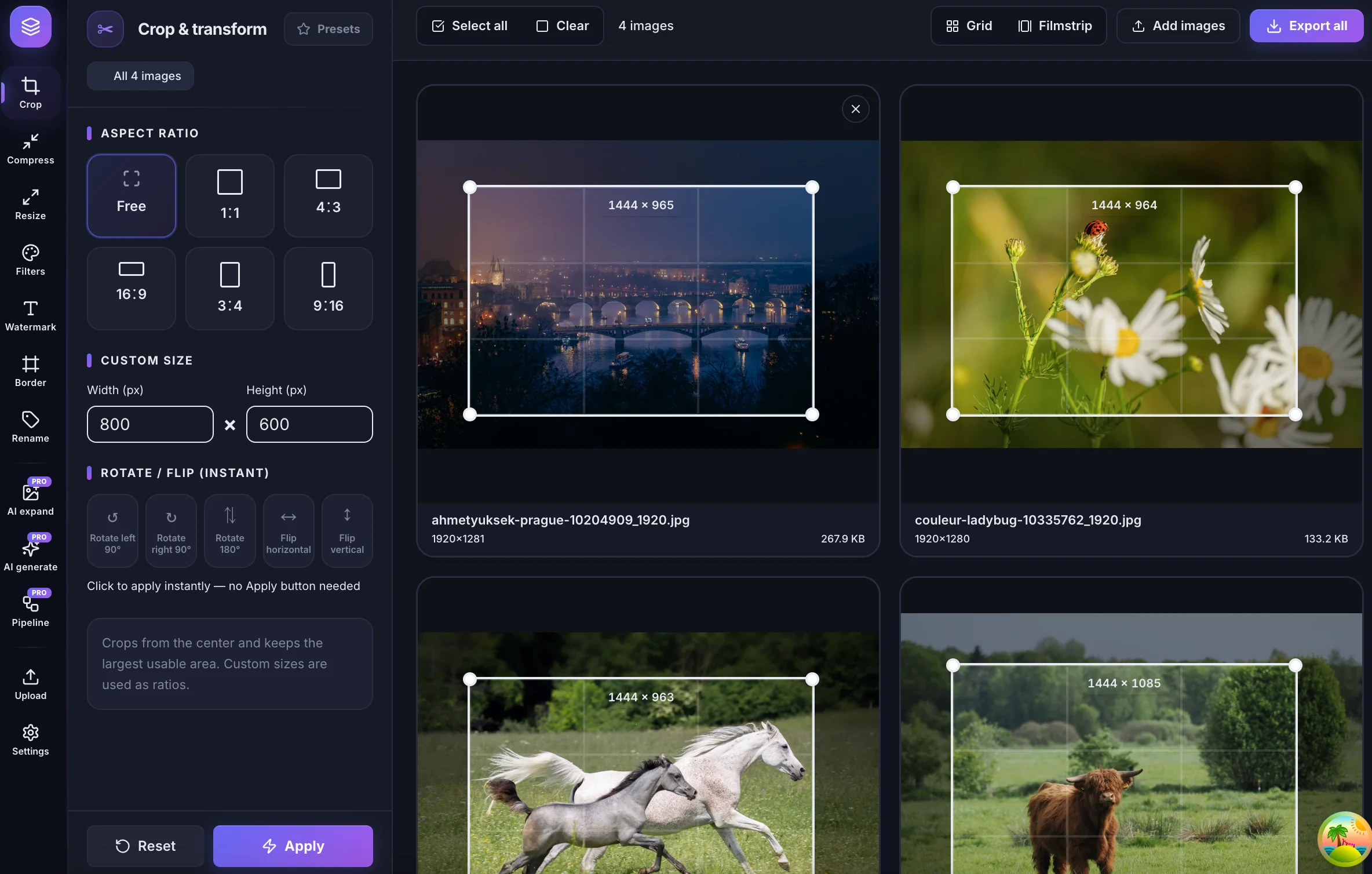
bulkimage.io batch editor
See grayscale, vivid, warm, and other looks on your actual images before applying to the batch.
Dial any preset from subtle wash to full effect with a single intensity slider.
Layer brightness, contrast, saturation, and hue on top of any preset for precise control.
bulkimage.io batch editor
When you need to filter multiple photos at once, bulkimage.io offers clear advantages:
See grayscale, vivid, warm, and other looks on your actual images before applying to the batch.
Dial any preset from subtle wash to full effect with a single intensity slider.
Grayscale, sepia, vivid, cool, warm, fade, drama, and noir with thumbnail previews.
Blend presets from 0–100% for subtle or dramatic batch effects.
Brightness, contrast, saturation, and hue sliders stack on any preset.
Standard filters run in your browser — files stay on-device.
Bulk Image Filters
Bulk image filters fits any workflow where visual consistency matters.
Apply the same mood and color grade across a carousel or multi-post campaign.
Deliver proof galleries with a unified look before final retouching.
Keep campaign assets visually aligned across channels and regions.
Normalize photo tone before publishing articles, landing pages, and newsletters.
Batch-style product shots and lifestyle images for A/B test variants.
Give an entire project folder a cohesive aesthetic for client presentations.
Follow these tips to get the most out of bulk image filters.
Pick the closest preset first, then use intensity and color sliders for fine adjustments.
Dial presets to 40–70% for a natural look that still reads consistently across the batch.
A warm preset plus slight contrast boost often beats extreme slider values.
Filters can increase file complexity — follow with compress for web-ready delivery sizes.
When you need to filter multiple photos at once, bulkimage.io offers clear advantages:
Filters run in your browser with no upload wait — dozens to hundreds of images in minutes.
Eight presets, intensity blending, and four color sliders cover every batch styling need.
One setting applies to the full batch, ensuring every file shares the same visual tone.
After filtering, switch to compress, resize, crop, or watermark without starting over.
Standard filters never upload to our servers — your photos stay on-device.
Core bulk image filters is free with clean, watermark-free output ready for commercial publishing.
Whether you are styling a social campaign, preparing a gallery, or unifying brand assets, bulkimage.io Bulk Image Filters gets batch styling done in a few clicks.
bulkimage.io
Upload images above to begin batch filtering, or open the editor to mix filters with other bulk steps.